
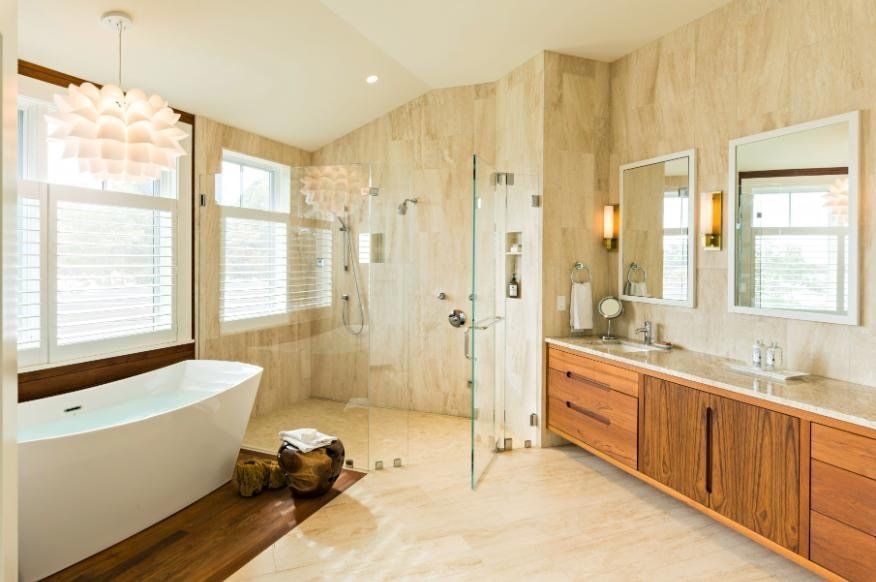
Shower Glass Registration
Don’t forget to register your glass. Registration helps activate your manufacturer warranty and keeps your paperwork in one place.
Warranties are administered by the product manufacturer. We’re happy to help if you get stuck.
What you’ll need
Before you start, gather whatever paperwork you have from your shower purchase (invoice/receipt, installation info, and product details). Most manufacturer forms ask for basic information like your name, address, installer/dealer, and purchase/installation date.
- Tip: If you had multiple panels/enclosures installed at the same time, registration is often done once per purchase.
- Save a copy of the confirmation page/email for your records.
Not sure what coating you have?
If you’re unsure whether you have ShowerGuard, ClearShield, Diamon-Fusion, or EnduroShield, don’t worry — send us a photo of your paperwork or any enclosure label (if available) and we’ll point you to the right registration.
Choose your registration
Pick the coating/product you purchased and complete the manufacturer registration form.
ShowerGuard®
Register and activate your Limited Lifetime Warranty. If you had more than one ShowerGuard enclosure installed with this purchase, please submit one registration.
ClearShield®
Register and activate your extended warranty. Complete the form online; ClearShield will confirm after they receive your details.
Diamon-Fusion®
Register your warranty. After successful registration, you should be redirected to a confirmation page.
EnduroShield®
Register and activate your limited warranty (often listed as a 10-year warranty depending on the product/program).
Need help?
If you’re not sure which warranty/registration applies, call us or send a photo of your paperwork and we’ll point you in the right direction.
Note: Warranty terms, eligibility, and approvals are determined by the manufacturer. This page provides links for convenience.